Touchscreen POS for Laundromats: What Owners Must Know
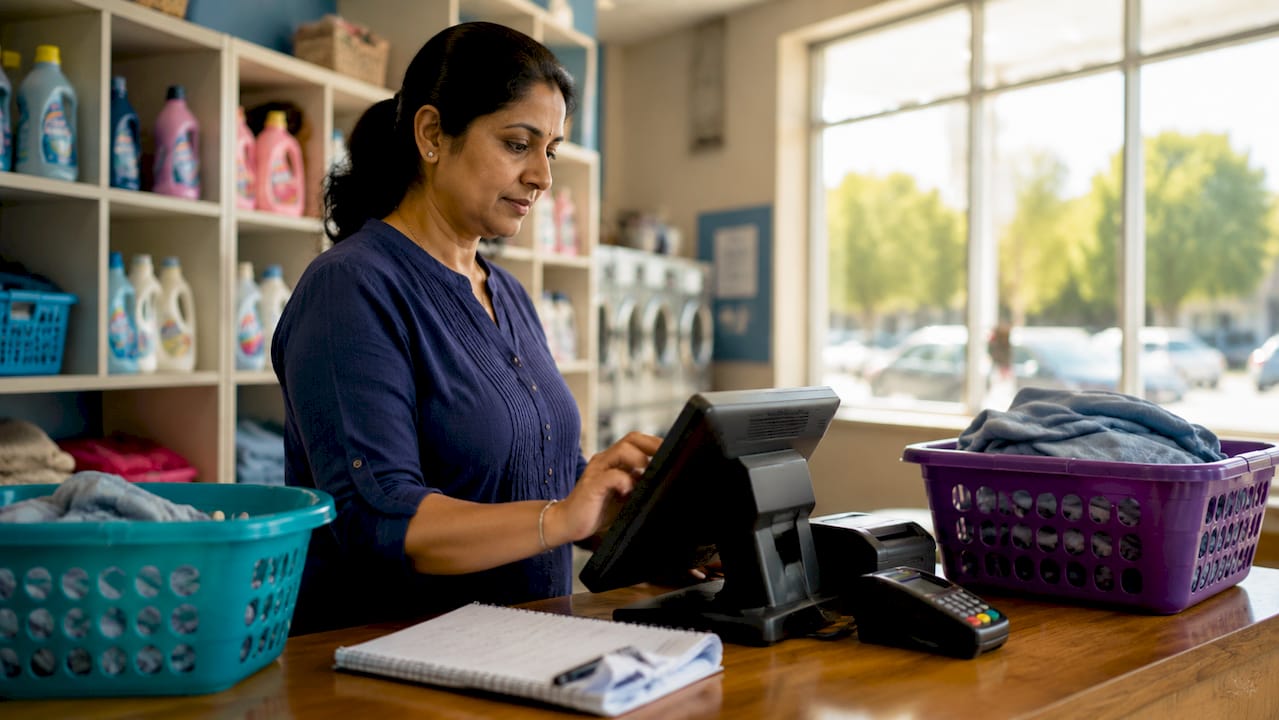
A touchscreen POS laundromat system is an integrated platform combining specialized hardware and software that captures transactions, processes payments, and delivers real-time operational reporting through an interactive touch display. This is the standard point-of-sale (POS) technology now replacing cash boxes and manual ledgers across independent and multi-location laundromats. The shift matters because laundromat POS systems do far more than ring up sales. They track customer data, manage service inventory, and give you the business intelligence to make faster decisions on the floor.
What is a touchscreen POS system for laundromats?
A touchscreen POS system for laundromats is defined as a combination of touch-enabled hardware and purpose-built software that handles every step of a sales transaction, from service selection to payment capture to receipt generation. The industry term is “point-of-sale system,” and the touchscreen interface is the defining feature that separates modern setups from legacy cash registers or browser-based tools. Understanding both the hardware and software layers is the only way to evaluate whether a given system fits your operation.
The hardware layer includes the touchscreen display itself, a card reader, a receipt printer, and sometimes a cash drawer. The software layer handles payment processing, customer records, service catalogs, and reporting. These two layers must work together without friction. A fast touchscreen paired with slow, clunky software still creates a bottleneck at your counter during peak hours.
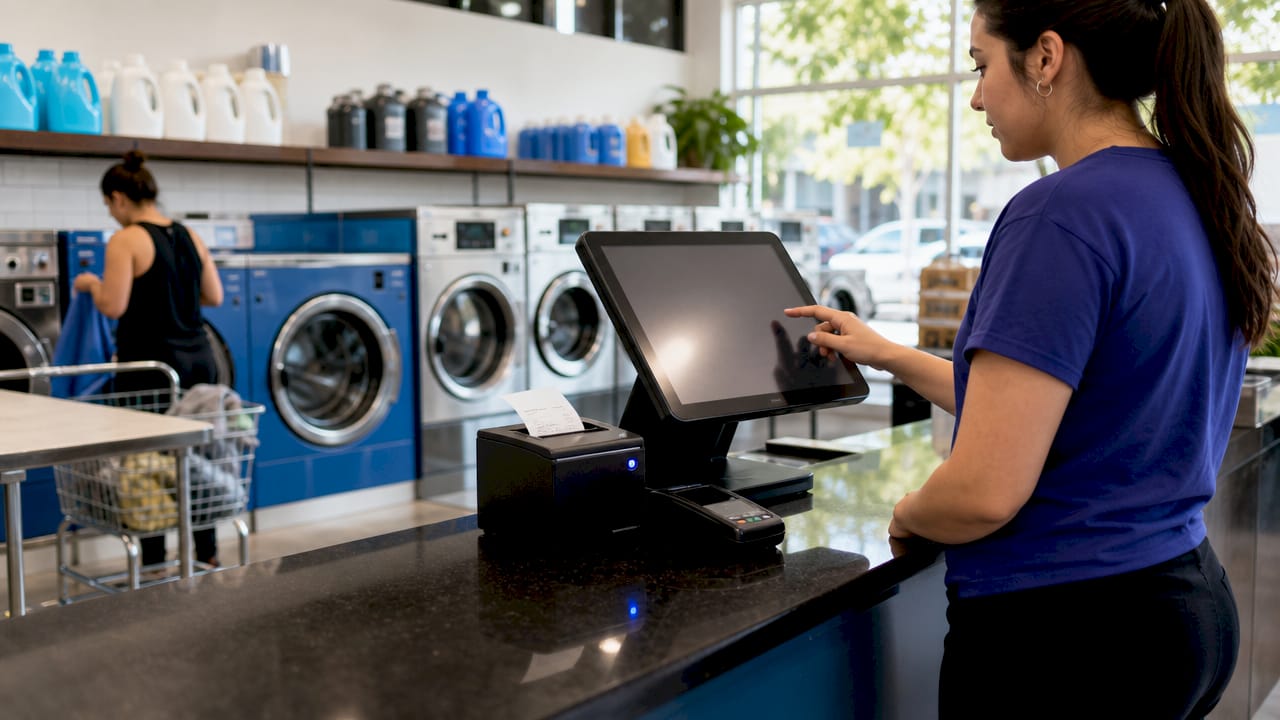
Most operators encounter two distinct configurations. The first is a staffed counter terminal where an attendant processes drop-off orders, takes payment, and prints tags. The second is a self-service kiosk where customers select services and pay without staff involvement. Both configurations use the same core technology, but the workflow design differs significantly between them.
What hardware components make up a laundromat POS setup?
The physical components of a laundromat POS setup determine how fast your counter moves and how reliably your machines get authorized. Getting the hardware wrong creates daily friction that no software update can fix.
Here are the core hardware components you need to understand before purchasing:
- Touchscreen display. Sizes typically range from 10 inches for compact counter terminals to 32 inches for freestanding kiosks. DANUBE, a manufacturer specializing in self-service laundry equipment, offers kiosk displays sized 12 to 32 inches specifically to show available services and payment options clearly.
- Touch technology. Commercial POS displays use projected capacitive touch (PCAP) glass, which supports 10-point multi-touch and withstands continuous public use far better than resistive screens. PCAP is the standard for any system you plan to run 12 or more hours a day.
- Card readers and NFC terminals. Modern laundromat payment solutions require support for chip cards, magnetic stripe, and contactless payments including Apple Pay and Google Pay. Customers increasingly expect tap-to-pay, and systems without NFC will frustrate a growing segment of your customer base.
- Machine integration hardware. Connecting your POS to washers and dryers requires either Ethernet or pulse signal wiring. This connection is what triggers cycle authorization after a successful payment. Without it, staff must manually start machines, which defeats the purpose of automation.
- Receipt and tag printers. For wash-and-fold operations, a tag printer paired with your POS creates a physical chain of custody for every order. Kansoflow natively pairs with Star Micronics printers for this exact workflow.
Pro Tip: Before buying any touchscreen terminal, confirm whether it mounts flush to your counter or requires a dedicated kiosk stand. Counter-mounted displays work well for staffed operations. Freestanding kiosks work better for high-volume self-service locations where customers queue independently.
How does POS software support laundromat operations?
The software running on your touchscreen terminal is where the real operational value lives. Hardware gets customers through a transaction. Software tells you whether your business is growing or bleeding money.
Here is what capable POS software for laundromats handles across five core functions:
- Sales transaction capture. Every wash, fold, dry cleaning order, or add-on service gets logged with a timestamp, service type, and payment method. This creates an auditable record that paper tickets cannot provide.
- Customer data management. A good system stores customer preferences, order history, and contact details. This lets attendants pull up a returning customer’s profile in seconds and eliminates the “how do you like your shirts folded?” conversation on every visit.
- Inventory and service tracking. Advanced POS systems for wash, dry, and fold operations track supply usage and service volume across multiple service lines, giving you data to adjust pricing or staffing.
- Real-time reporting and analytics. Revenue by service type, peak hour traffic, and average transaction value are the three numbers that drive smart scheduling and pricing decisions. Your POS should surface these without requiring a spreadsheet export.
- Offline payment processing. Laundromat environments often have inconsistent Wi-Fi. Systems with store-and-forward capability store card payment details locally and forward them once connectivity is restored, preventing transaction failures during outages.
Pro Tip: Ask any POS vendor specifically how their system handles offline transactions. Some systems simply decline cards when the internet drops. That is unacceptable in a laundromat where customers have already loaded their clothes into a machine.
The user interface design also affects your labor costs directly. A system that takes three screens to complete a drop-off order will slow every attendant you hire. Kansoflow’s visual Kanban board, for example, lets attendants track orders through Wash, Fold, Dry Cleaning, and Ready stages with a single drag-and-drop action, cutting the time spent on order status updates significantly.
What are the benefits and challenges of touchscreen POS in laundromats?
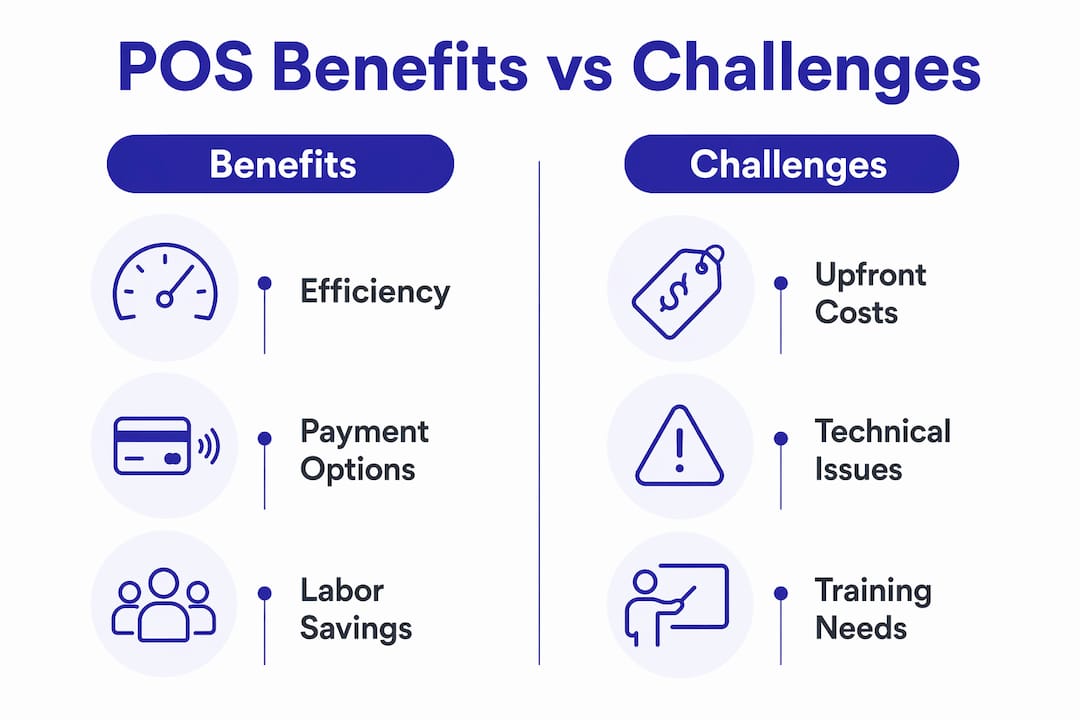
Touchscreen POS systems deliver measurable benefits, but they also introduce real operational challenges that owners frequently underestimate during the buying process.
Key benefits:
- Faster transactions. Touch interfaces process orders faster than keyboard-based systems. At peak hours, shaving 30 seconds off each transaction keeps your line moving and reduces customer abandonment.
- Reduced staffing dependency. Self-service kiosks with clear touchscreen displays reduce customer confusion and staff intervention, allowing one attendant to manage a larger floor area.
- Accurate business data. Manual cash handling introduces errors and theft risk. A POS system creates a closed-loop record of every transaction, which simplifies end-of-day reconciliation and tax reporting.
- Better customer experience. Customers who can see their order status, pay quickly, and receive a digital receipt leave with a better impression of your business than those who wait while an attendant writes a paper ticket.
Real challenges to plan for:
- Hardware durability. Laundromats are humid, high-traffic environments. Consumer-grade tablets fail faster here than commercial PCAP displays. Budget for commercial-grade hardware from the start, not as an upgrade later.
- Machine integration complexity. Connecting your POS to laundry machines via Ethernet or pulse signals requires professional installation. This is not a plug-and-play process, and a misconfigured connection means customers pay without machines starting.
- Staff training. A touchscreen interface is only intuitive if it is well-designed. Budget time for attendant training, especially for older staff who may be less comfortable with touch-based workflows.
- Connectivity requirements. Most POS systems require a stable internet connection for full functionality. Offline payment handling, as noted above, is a non-negotiable feature for laundromat environments.
How to choose the best POS system for your laundromat
Choosing the right POS system comes down to matching the system’s design to your specific operation type, not buying the most feature-rich option on the market.
| Criteria | All-in-one terminal | Kiosk and counter setup |
|---|---|---|
| Best for | Small, staffed laundromats | High-volume or self-service locations |
| Staff required | Yes, at counter | Minimal, floor monitoring only |
| Machine integration | Possible via add-on | Built-in for most kiosk systems |
| Customer self-service | Limited | Full self-service capable |
| Upfront cost | Lower | Higher |
| Scalability | Moderate | High for multi-location |
Beyond the hardware configuration, evaluate software features against these four criteria. First, payment method coverage: your system must accept credit, debit, NFC, and ideally loyalty or stored-value cards. Second, reporting depth: two core workflows in laundromat POS design are counter operations and self-service kiosks, and your reporting should reflect both separately. Third, integration with your existing machines: confirm compatibility before signing any contract. Fourth, vendor support: a POS system that goes down on a Saturday morning without available support is a business emergency.
Pricing models vary widely. Some vendors charge a flat monthly software fee plus hardware costs. Others bundle hardware and software into a lease. Kansoflow operates on a software subscription model using standard iOS devices, which eliminates the proprietary hardware lock-in that drives up long-term costs for many operators.
Pro Tip: Request a live demo on actual laundromat hardware before committing. A system that looks clean in a sales presentation may feel slow or confusing on a real counter with a line of customers behind it.
Scalability matters more than most first-time buyers realize. If you plan to open a second location within three years, choose a system with built-in multi-location support from day one. Migrating data between POS platforms mid-growth is expensive and disruptive.
Key takeaways
A touchscreen POS system is the operational backbone of a modern laundromat, and the right choice depends on hardware durability, software depth, and machine integration, not screen size alone.
| Point | Details |
|---|---|
| Core definition | A touchscreen POS combines touch hardware and software to capture sales, process payments, and report data. |
| Hardware matters | PCAP displays, NFC card readers, and machine integration wiring determine daily reliability. |
| Software depth | Offline payment handling, real-time reporting, and customer data management separate capable systems from basic ones. |
| Workflow design | Counter terminals suit staffed operations; self-service kiosks suit high-volume or low-staff locations. |
| Buying criteria | Evaluate payment coverage, reporting, machine compatibility, and vendor support before price. |
What I’ve learned from watching operators pick the wrong POS
I’ve seen laundromat owners make the same mistake repeatedly: they buy a POS system based on the demo, not the installation. The demo always looks fast and clean. The installation is where you find out whether the vendor actually understands laundromat environments.
The operators who get this right treat the POS decision the same way they treat buying a washer. They ask about the service contract before the features list. They ask what happens when the system goes offline at 8 a.m. on a Sunday. They ask whether the touchscreen can be cleaned with the same disinfectant wipes their staff uses on machines.
The other thing I’ve noticed is that touchscreen UI design is underweighted in most buying decisions. Owners focus on payment processing and reporting, which are important. But the interface your attendants use 200 times a day shapes their speed, their error rate, and their willingness to actually use the system. A cluttered screen with too many taps per transaction is a hidden labor cost that never shows up in the vendor’s pricing sheet.
The future of laundromat POS is moving toward tighter integration between the POS layer and the machine control layer. Systems that can report on machine utilization alongside transaction data will give operators a complete picture of floor efficiency, not just revenue. That convergence is already happening, and operators who choose platforms built for it now will have a significant advantage over those who don’t.
— Artur
How Kansoflow simplifies laundromat POS management
Kansoflow is a native iOS POS platform built specifically for laundromat owners who are done with paper tickets, slow browser-based tools, and hardware bundles that cost more than the software they run. The platform’s full feature set includes a visual Kanban order board, photo intake for garment claims, Stripe and Square payment integration, and real-time reporting across single or multiple locations. It pairs natively with Star Micronics printers and Bluetooth scales, so your counter setup uses hardware you can source independently. If you want a POS system designed for the realities of a busy shop floor, explore Kansoflow and see how it fits your operation.
FAQ
What is a touchscreen POS system in a laundromat?
A touchscreen POS system in a laundromat is an integrated hardware and software platform that processes sales, captures payment, and generates operational reports through a touch-enabled display. It replaces manual cash handling and paper tickets with a digital transaction record.
How does a laundromat POS connect to washing machines?
Laundromat POS systems connect to machines via Ethernet or pulse signal wiring, which triggers cycle authorization after a successful payment. A misconfigured connection means customers can pay without machines starting, so professional installation is required.
What happens if the internet goes down during a transaction?
Systems with offline payment processing store card details locally and forward them once connectivity is restored. Not all POS systems offer this feature, so confirming offline capability before purchase is critical for laundromat environments.
What screen size is best for a laundromat kiosk?
Self-service laundry kiosks commonly use 12-inch to 32-inch displays to show services and payment options clearly. Larger screens reduce customer confusion and lower the need for staff intervention during self-service transactions.
Do I need different POS software for wash-and-fold versus self-service?
Wash-and-fold operations require software with order tracking, customer preferences, and tag printing, while self-service locations prioritize machine authorization and kiosk payment flow. The best POS software for laundromats supports both workflows within a single platform.