iOS-Native POS System for Laundromats: 2026 Guide
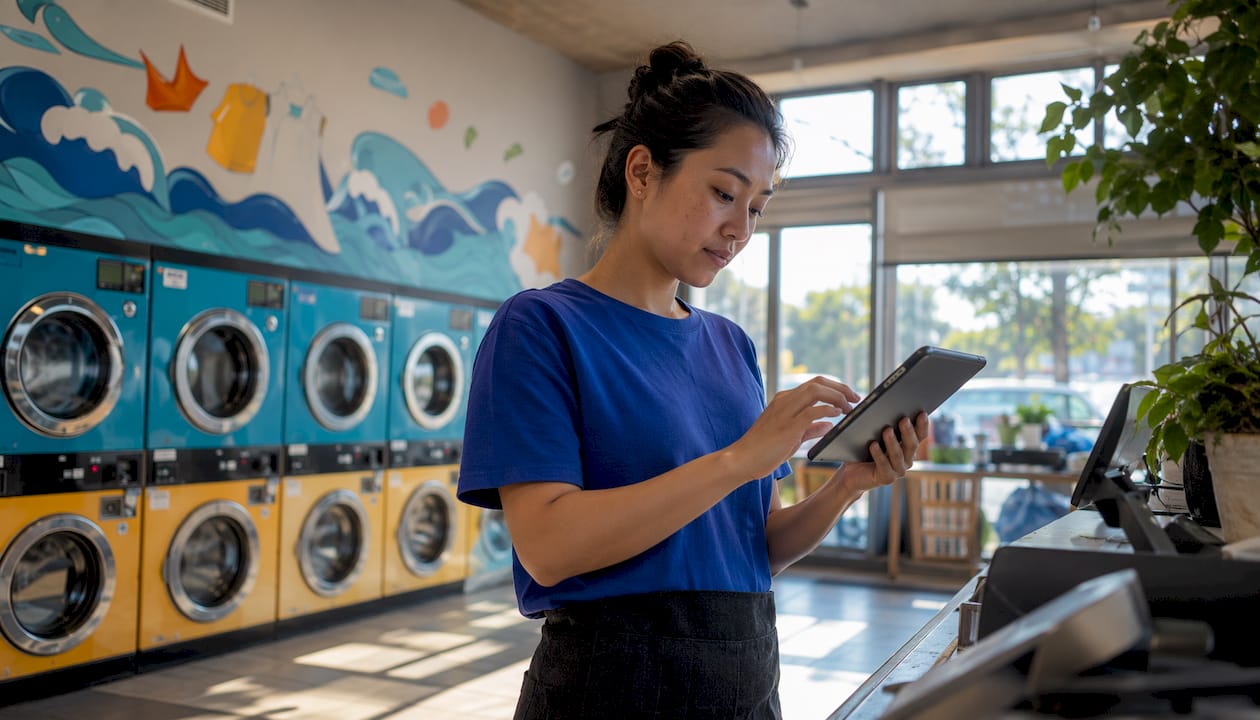
An iOS-native POS system is a point of sale application built specifically to run on Apple’s iOS and iPadOS platforms, using device-level hardware features rather than a web browser. For laundromat owners, this distinction matters more than it might seem. A true native iOS point of sale app connects directly to Bluetooth printers, reads biometric logins, and keeps working when your Wi-Fi drops. This guide explains what sets these systems apart, why they outperform browser-based alternatives, and how Kansoflow puts these advantages to work on the laundromat floor.
What is an iOS-native POS system, and how does it differ from web-based POS?
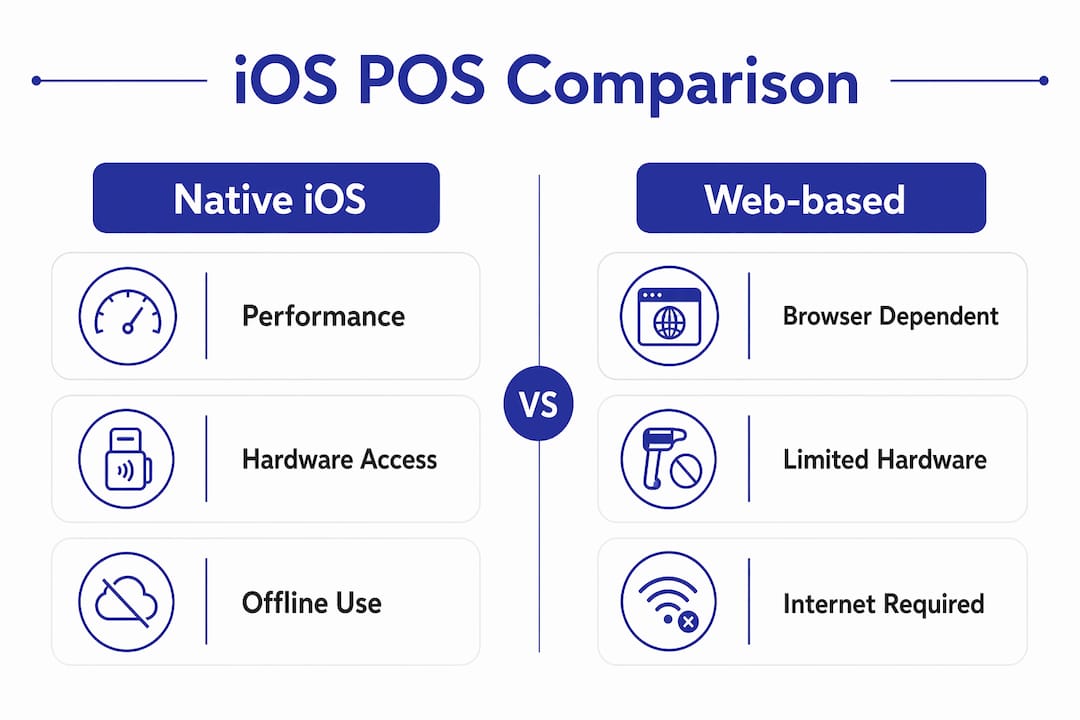
An iOS-native POS system is a retail application built specifically for Apple’s iOS and iPadOS environment, not a website running inside Safari. That distinction drives every performance difference you will notice at the counter. Web-based POS apps depend on a browser to render their interface. Native apps compile directly to machine code, which means the device runs them at full speed with no browser overhead in between.
The performance gap shows up in three concrete ways:
- Offline operation. Native iOS POS apps store critical data locally and sync when connectivity returns. A browser-based system goes dark the moment your router hiccups. On a busy Saturday morning, that difference is the gap between serving customers and turning them away.
- Hardware access. Native apps talk directly to iOS APIs for Bluetooth, NFC, Touch ID, and Face ID. Browser-based apps cannot access these features at the same depth, which creates the connection drop-offs that frustrate staff trying to pair receipt printers mid-shift.
- Interface consistency. Apple’s Human Interface Guidelines govern every native app in the App Store. That standardization means your attendants already recognize the button patterns, swipe gestures, and navigation logic before they touch the screen for the first time.
Pro Tip: When evaluating any “iPad POS,” ask the vendor directly whether the app is in the Apple App Store or runs through a browser shortcut. Only App Store apps are truly native.
How does a native iOS POS improve laundromat operations?
Laundromats run on speed and order tracking. A native iOS point of sale system addresses both by moving the checkout process off a fixed counter and onto the floor.
- Roaming checkout. Staff can process drop-off intake, weigh garments, and collect payment anywhere in the store. Mobile checkout reduces queues and keeps customers moving, which matters most during peak hours when every minute at the counter costs you the next customer in line.
- Faster employee training. Because native iOS apps follow Apple’s standardized interface guidelines, employee mastery comes faster and IT maintenance costs drop. A new attendant who has used an iPhone already understands the core navigation patterns. You spend less time on training and more time on service.
- Multi-purpose hardware. An iPad running a native POS app is not just a register. iPads used for POS can also serve as inventory scanners, order status displays, and staff reference tools. That modularity lets you scale hardware roles during peak hours without buying additional dedicated devices.
- Reliable offline fallback. Cloud-connected native apps combine offline reliability with real-time sync, which is the right architecture for any retail environment where internet reliability is inconsistent.
- Reduced downtime. When the network drops, transactions keep processing locally. When connectivity returns, the system syncs automatically. Your staff never needs to call you because the POS froze.
Pro Tip: Set up your iPad POS on a dedicated Apple ID separate from personal accounts. This keeps App Store updates controlled and prevents staff from accidentally downloading unrelated apps on the work device.
The shift from a fixed register to a mobile, floor-first model also changes how you design the physical space. Transitioning away from fixed checkout counters to mobile POS devices changes store layout dynamics and staff workflow. You can reclaim counter space, reduce bottlenecks at the front desk, and position staff closer to the machines where customers actually need help.
What hardware works best with iOS-native POS in laundromats?
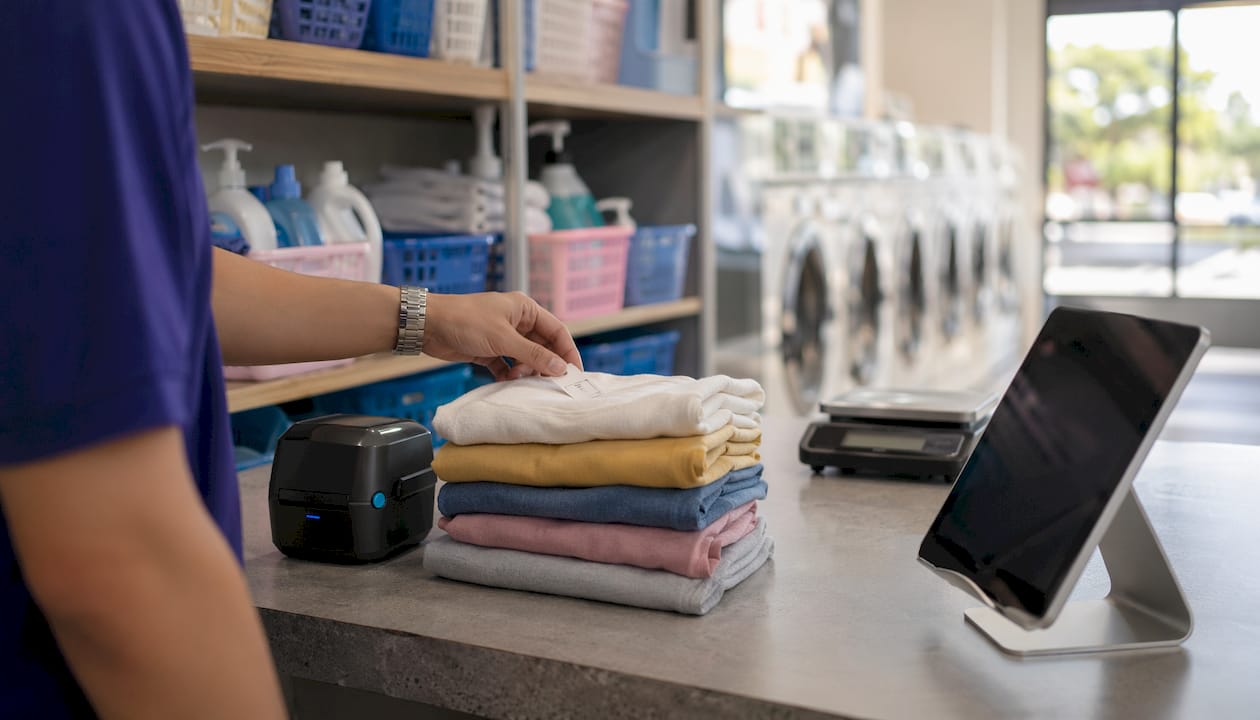
Hardware compatibility is where native iOS POS systems earn their keep in a laundromat setting. The environment is demanding: humid air, heavy foot traffic, and staff who need to move fast without fumbling with cables.
True native iOS POS apps compile specifically for iPadOS and iOS, granting full hardware access for Bluetooth peripheral integration. That access is what separates a stable printer pairing from one that drops every hour. Here is what that looks like in practice:
- Bluetooth receipt and tag printers. Native apps pair with printers like the Star Micronics line through iOS Bluetooth APIs, not a browser plugin. The connection is stable, fast, and does not require a driver installation on a separate computer.
- Bluetooth scales. Weigh-and-charge workflows depend on the scale talking directly to the POS. Native apps handle this through Core Bluetooth, Apple’s low-level hardware framework. Browser-based apps cannot access Core Bluetooth at all.
- Biometric authentication. Face ID and Touch ID let staff log in or switch user accounts in seconds. On a high-traffic floor, that speed matters. A PIN screen that takes ten seconds to load is ten seconds a customer is waiting.
- NFC payment terminals. Native iOS apps access the NFC chip directly, enabling tap-to-pay workflows without a separate card reader app running in parallel.
- Barcode and QR scanners. The iPhone and iPad cameras function as scanners through native APIs, eliminating the need for a dedicated scanner device in most laundromat setups.
| Hardware type | Native iOS connection method | Key benefit for laundromats |
|---|---|---|
| Receipt/tag printers | Core Bluetooth API | Stable pairing, no driver needed |
| Bluetooth scales | Core Bluetooth API | Direct weigh-and-charge workflow |
| Payment terminals | NFC chip access | Fast tap-to-pay at any floor position |
| Barcode scanners | Camera/AVFoundation API | No dedicated scanner hardware required |
| Biometric login | Face ID / Touch ID API | Sub-second staff login on busy floors |
The practical result is a floor where one iPad handles intake, weighing, tagging, and payment without a tangle of USB cables or a dedicated Windows PC running driver software in the back room.
What should laundromat owners look for when choosing an iOS POS?
Choosing the right native iOS point of sale system comes down to five questions every laundromat owner should ask before signing a contract.
- Is it a true native app? Verify whether the software is a true native app or a web-wrapped browser experience. Ask the vendor for the App Store listing. If there is no App Store link, the app is not native. Web-wrapped apps look similar on screen but lack stable printer pairing, offline reliability, and deep hardware integration.
- Does it support offline mode? Any POS without offline capability is a liability in a laundromat. Confirm that the system processes transactions locally and syncs automatically when the connection returns.
- How does it handle multi-location operations? If you run more than one store, the system needs to support inter-branch order transfers and centralized reporting. Laundromat operators who manage drop-off locations and processing hubs need this built in, not bolted on.
- What is the hardware requirement? The best native iOS POS systems run on standard iPads and iPhones. Avoid vendors who require proprietary hardware bundles. Standard Apple hardware is cheaper to replace, easier to source, and already familiar to your staff.
- What does the SaaS pricing model look like? SaaS subscription models allow scalable terminal deployment without large upfront hardware costs. Look for per-location pricing that makes sense as you add stores, not per-device fees that punish growth.
Nike’s 2025 rollout of its own cloud-based iOS native POS system offers a useful benchmark. Staging time for new terminals dropped from 4 hours to 25 minutes after switching to a native iOS architecture with offline support and cloud sync. That kind of deployment speed matters when you are opening a new laundromat location and need the POS running on day one.
For complex hardware scenarios involving frequent peripheral use, native iOS apps consistently outperform web apps in responsiveness and connection stability. In a laundromat, where Bluetooth scales and tag printers run all day, that stability is not optional.
Key Takeaways
A native iOS POS system outperforms web-based alternatives in every dimension that matters for laundromat operations: hardware stability, offline reliability, and staff speed.
| Point | Details |
|---|---|
| Native vs. web-based | Only true App Store apps access Core Bluetooth, Face ID, and NFC for stable hardware pairing. |
| Offline reliability | Native apps store transactions locally and sync automatically, preventing sales downtime during outages. |
| Multi-purpose hardware | One iPad handles intake, weighing, tagging, and payment, reducing hardware costs and floor clutter. |
| Staff training speed | Apple’s standardized interface means attendants learn faster and IT maintenance costs stay low. |
| Vendor verification | Always confirm an App Store listing before signing. No listing means no native app. |
Why I think most laundromat owners are sleeping on this
The most common mistake I see laundromat operators make is treating the POS as a cash register with a screen. That framing leads them to buy whatever is cheapest or most familiar, usually a browser-based system that looks fine in a demo but falls apart when the Bluetooth printer drops its connection for the third time on a Friday night.
The real value of a native iOS POS is not the software. It is the floor model it enables. When your attendant can carry an iPad from the front counter to the folding table to the dry cleaning rack without losing functionality, the entire operation changes. You stop designing your store around the register and start designing it around the customer.
I have also seen operators get burned by web-wrapped apps marketed as “iPad POS.” They look identical on screen. The difference only shows up when you try to pair a Bluetooth scale, process a transaction offline, or switch user accounts in under three seconds. Those are the moments that define whether your floor runs smoothly or grinds to a halt.
The multi-purpose angle is underrated too. An iPad that runs your laundry POS and management software during the day can display order status for customers, train new staff on procedures, and run end-of-day reports for the owner. That is four jobs for one device. The ROI math on standard Apple hardware beats proprietary terminal bundles every time.
The future of laundromat POS is not a bigger touchscreen bolted to a counter. It is a lightweight device in your attendant’s hand, connected to the cloud, paired to a printer in their apron pocket, and ready to serve the next customer wherever they are standing.
— Artur
Kansoflow: built for the laundromat floor
Kansoflow is a native iOS POS and operations platform built specifically for laundromat owners who are done fighting browser-based systems and paper tickets.
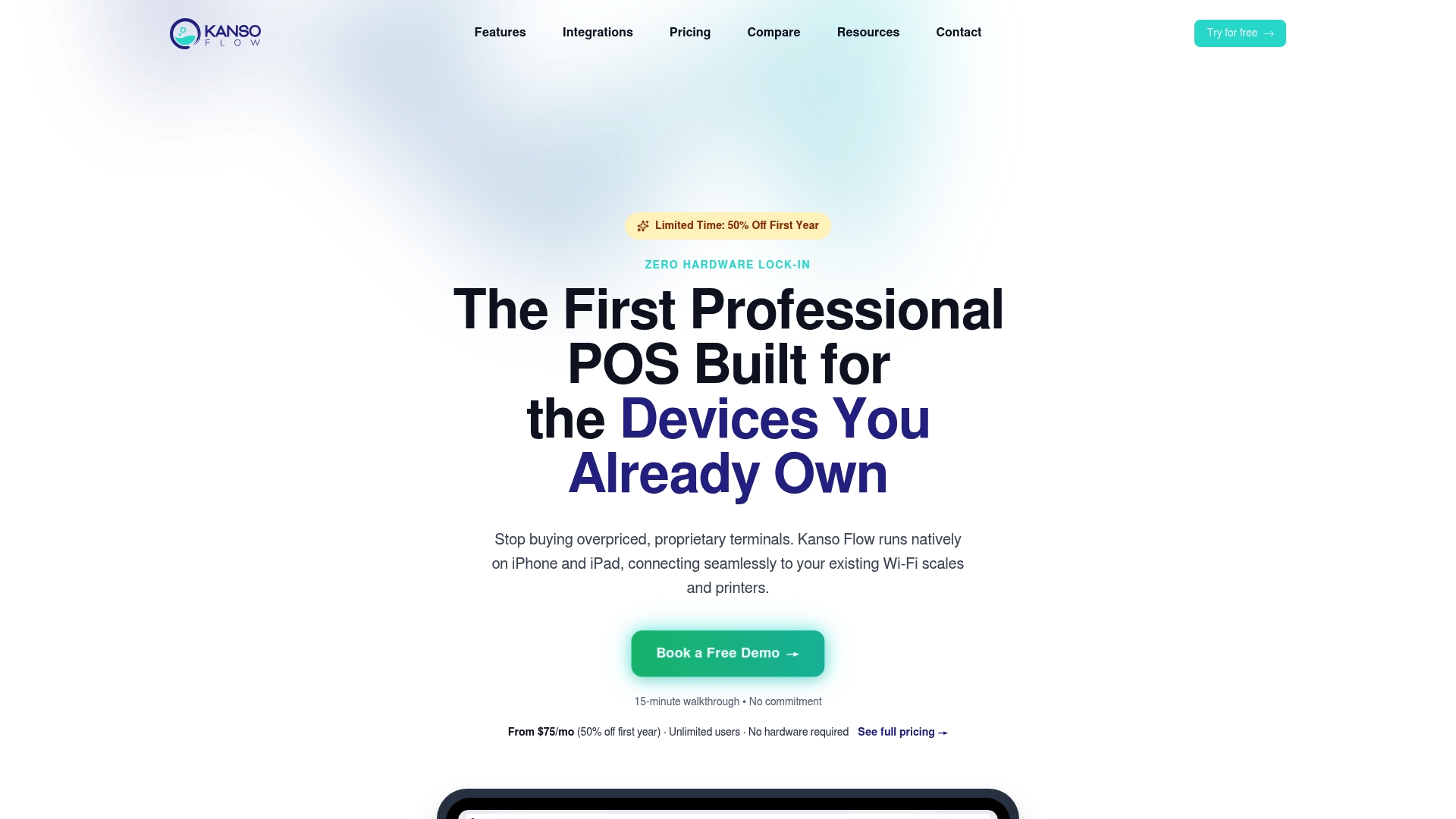
The platform runs on standard iPads and iPhones, pairs natively with Bluetooth scales and Star Micronics tag printers, and processes transactions offline when your connection drops. Features like the visual Kanban order board, photo intake for garment claims, and per-device PIN security are built for the realities of a busy shop floor, not a retail showroom. Kansoflow also handles inter-branch transfers and Stripe and Square payment integrations out of the box. Explore the full feature set at Kansoflow to see how native iOS technology translates into faster service and fewer headaches.
FAQ
What is an iOS-native POS system?
An iOS-native POS system is a point of sale application built specifically for Apple’s iOS and iPadOS platforms, compiled to run directly on the device rather than inside a web browser. This gives it full access to hardware features like Bluetooth, Face ID, and NFC.
How does a native iOS POS differ from a web-based POS app?
A native iOS POS compiles to machine code and accesses device hardware directly, while a web-based POS runs inside a browser and cannot access Core Bluetooth, Touch ID, or offline local storage at the same depth. The practical difference is stable printer pairing, faster UI response, and reliable offline operation.
Can an iOS POS system work without internet?
Yes. Native iOS POS apps store transaction data locally on the device and sync automatically when the connection returns, preventing sales downtime during outages. Browser-based systems require constant connectivity and stop functioning when the network drops.
What hardware do I need to run an iOS POS in my laundromat?
A standard iPad or iPhone is the core device. Compatible peripherals include Bluetooth receipt and tag printers, Bluetooth scales, NFC payment terminals, and barcode scanners that use the device camera. No proprietary hardware bundles or Windows PCs are required.
How do I know if an iPad POS app is truly native?
Check for an Apple App Store listing. If the vendor cannot provide one, the software is browser-based or web-wrapped, regardless of how it is marketed. True native apps are distributed exclusively through the App Store and update through Apple’s standard update process.