Best Curbsidelaundries.com Alternatives for Laundromats
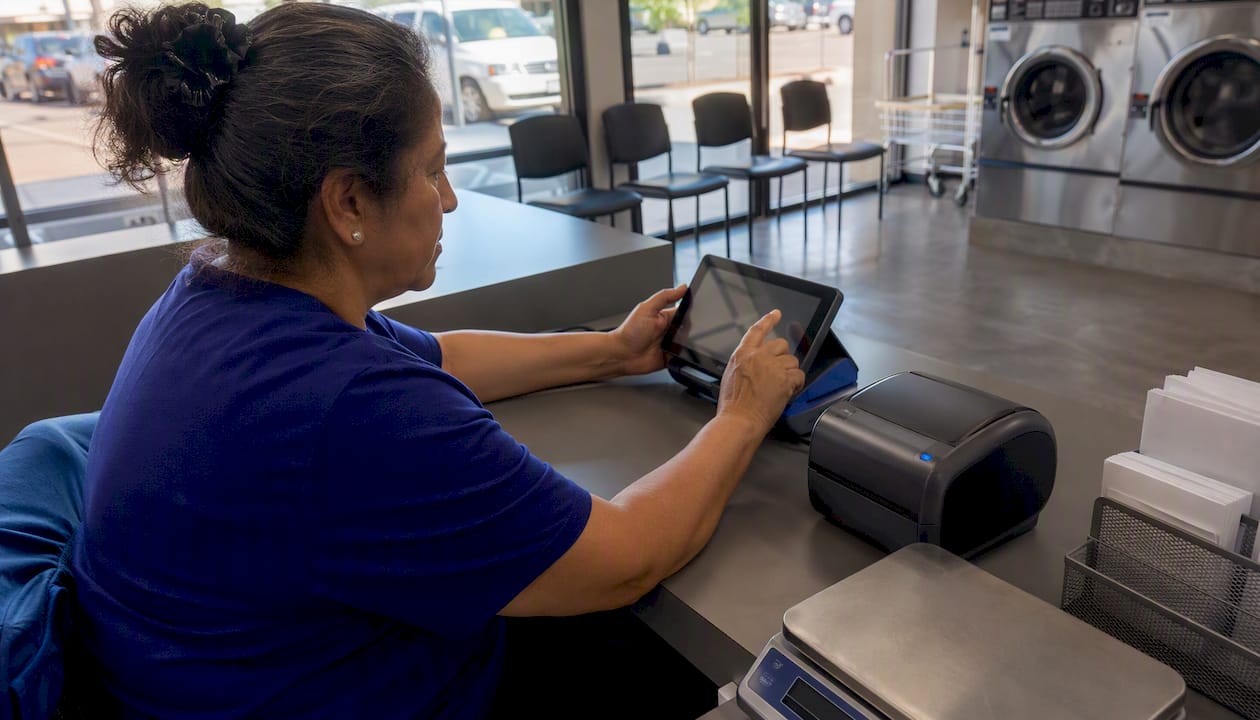
For most U.S. laundromat and dry-cleaning operators replacing Curbside Laundries, Kanso Flow is the strongest fit: a native iOS POS with a visual Kanban workflow, built-in photo intake, Bluetooth scale support, and per-device PIN security, all on standard Apple hardware you likely already own.
Quick shortlist if you need to evaluate more than one option:
- Kanso Flow — native iOS POS built specifically for laundromat and dry-cleaning shop floors; best for WDF operators, multi-location owners, and anyone done with paper tickets
- Delivery-first cloud platforms — built around route optimization and customer pickup apps; strong for delivery-heavy WDF businesses, thinner on unattended-floor machine control
- General-purpose POS adapted for laundry — fast to onboard and affordable, but often missing garment tracking depth and route delivery features
TL;DR: Pick Kanso Flow when your priority is shop-floor speed, hardware compatibility, and order tracking. Consider a delivery-first platform only if your revenue model is primarily pickup-and-delivery with minimal self-serve floor traffic.
Table of Contents
- How do the top Curbside Laundries alternatives compare?
- What does each alternative actually offer?
- How do you choose the right replacement for Curbside Laundries?
- What trust signals should you verify before committing?
- Why does Kanso Flow work better than Curbside Laundries for most operators?
- Who should switch to Kanso Flow, and who should look elsewhere?
- Key Takeaways
- The part most operators get wrong about switching POS systems
- Kanso Flow is built for operators who are done with browser-based workarounds
- Useful sources for operators evaluating laundry POS options
How do the top Curbside Laundries alternatives compare?
The table below maps each category to the dimensions that matter most during evaluation. Pricing ranges reflect published industry figures for each category; exact quotes require a vendor demo.

| Category | Best for | Key features | Platform | Hardware compatibility | Integrations | Pricing model | Support & onboarding |
|---|---|---|---|---|---|---|---|
| Kanso Flow | Single-store WDF, multi-location, dry-clean combo | Visual Kanban, photo intake, inter-branch transfers, per-device PINs | Native iOS | Bluetooth scales, Star Micronics printers, barcode/tag | Stripe, Square, SMS notifications | Flat monthly per location + SMS overages | Setup guide, video tutorials, live support |
| Delivery-first cloud platform | Pickup-and-delivery WDF, route-heavy operators | Route optimization, customer app, WDF intake workflow | Web + mobile app | Varies; check vendor spec page | Payment processors, SMS, accounting | $200–$600/month; add-ons for routing | Onboarding calls; route setup support |
| Laundromat-native machine-payment platform | Unattended self-serve floors, coin-hybrid stores | Machine control, offline operation, coin/card hybrid | Web + proprietary hardware | Proprietary card readers; limited third-party | Payment processors, limited accounting | Hardware + monthly SaaS fee | Technician install; hardware-first support |
| General-purpose POS adapted for laundry | Budget-conscious single-store, fast-start operators | Basic order tracking, payment processing, reporting | iOS, Android, web | Receipt printers, card readers; scale support varies | Square/Stripe, some accounting tools | Free tier to ~$60–$100/month | Self-serve docs; chat support |
| Mobile-payment retrofit provider | Operators adding cashless to existing coin fleets | Card reader retrofit, cashless acceptance | Hardware-dependent | Retrofit kits for existing machines | Payment processors | Per-transaction fee + hardware cost | Technician install; 15–30 min per machine |
Pricing note: Delivery-first platforms typically run for a moderate monthly fee with add-ons for route optimization and SMS volume. General-purpose POS tools range from free tiers to moderate monthly fees per location. Machine-payment platforms bundle hardware costs into the equation, so the monthly SaaS fee alone understates total cost.
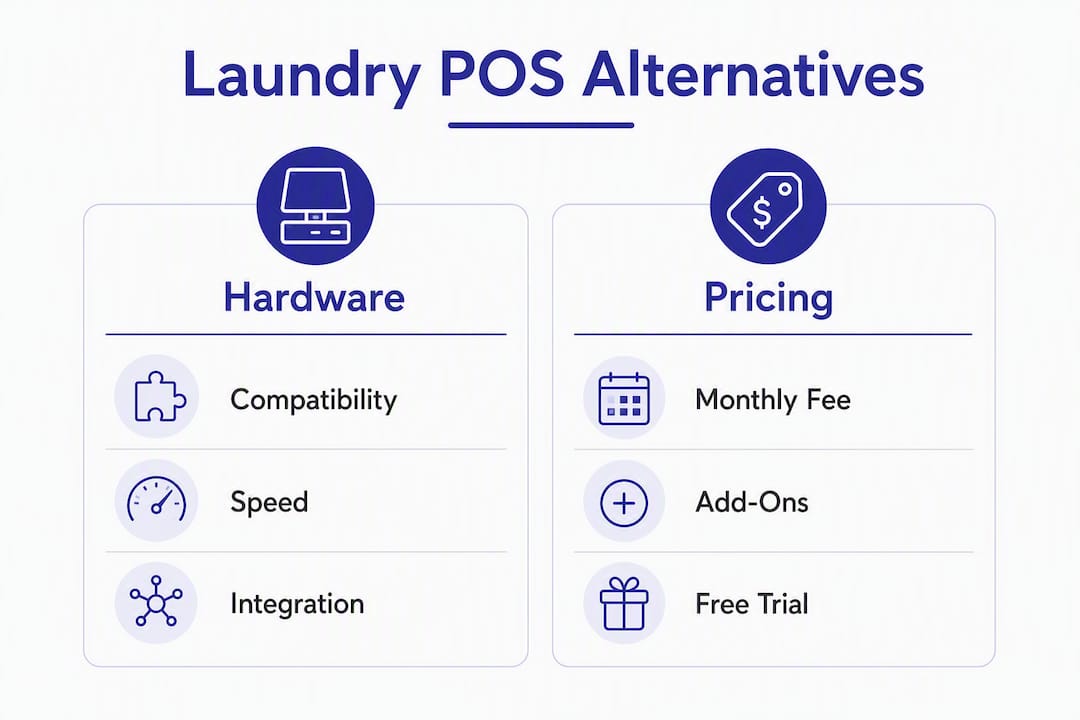
Pro Tip: During any demo, bring your actual hardware: your scale model, your printer, and a sample tag roll. A vendor that cannot confirm live compatibility on the spot has not tested it with your setup.
What does each alternative actually offer?

Kanso Flow
Kanso Flow is purpose-built for laundromat and dry-cleaning operators who need a fast, reliable POS on the shop floor, not a browser tab that freezes during a rush. The core feature set centers on a visual Kanban board that moves orders through Wash, Fold, Dry Cleaning, and Ready stages, so any attendant can see the floor’s status at a glance without asking anyone.
- Standout feature: Photo intake at the counter documents garment condition on arrival, cutting lost-item disputes before they start
- Pros: Native iOS speed, Bluetooth scale integration, Star Micronics printer/tag support, unlimited team members, per-device PIN security, inter-branch transfer management
- Cons: iOS-only (Android operators need a different category); best value realized with Star Micronics hardware
- Pricing model: Flat monthly fee per location plus usage-based SMS charges above the included quota
- Best for: WDF operators, multi-location owners, dry-cleaning combos needing garment tracking
- Onboarding timeline: Typically days, not weeks; standard iOS devices mean no proprietary hardware procurement
Delivery-first cloud platforms
These platforms are built from the ground up around the pickup-and-delivery model. Route optimization, a customer-facing app, and WDF intake workflows are core, not add-ons. Delivery-first systems bundle online ordering, driver routing, and WDF intake into a single product, which cuts integration complexity for operators whose revenue is primarily delivery-based.
- Standout feature: Integrated route batching and customer notification in one product
- Pros: Strong delivery workflow, customer app, reduces third-party integration needs
- Cons: Thinner on unattended-floor machine control; pricing in the $200–$600/month range with add-ons for route optimization and SMS can add up fast for stores with modest delivery volume
- Pricing model: Monthly subscription with route optimization and SMS add-ons
- Best for: Operators where delivery accounts for the majority of revenue
- Onboarding timeline: Onboarding calls typically required; route configuration adds setup time
Laundromat-native machine-payment platforms
These are hardware-first systems designed for unattended self-serve floors. Their strength is offline resilience and coin/card hybrid operation. Operators often adopt hybrid systems to preserve uptime and profitability, and this category is built precisely for that scenario. The trade-off is that machine-payment platforms are not designed for WDF counter workflows or garment tracking.
- Standout feature: Robust offline operation and coin/card hybrid acceptance
- Pros: Proven uptime on unattended floors, machine-level control, technician support
- Cons: Proprietary hardware lock-in, limited POS/WDF workflow depth, higher upfront hardware cost
- Pricing model: Hardware purchase or lease plus monthly SaaS fee
- Best for: Primarily self-serve, unattended stores with minimal WDF counter traffic
- Onboarding timeline: Technician installation required; timeline depends on fleet size
General-purpose POS adapted for laundry
Tools like Square Point of Sale, Clover, and Boulevard were not built for laundromats, but operators use them for basic order tracking and payment processing. They onboard fast and cost little. The gap shows up when you need garment-level tracking, route delivery, or photo intake for claims, none of which these platforms handle natively.
- Standout feature: Fast setup, broad payment processor support, low entry cost
- Pros: Familiar interface, strong payment processing, large support communities
- Cons: No native garment tracking, no route delivery, scale integration is limited or absent
- Pricing model: Free tier to roughly $60–$100/month; transaction fees apply
- Best for: Operators who need basic POS quickly and plan to layer on tools later
- Onboarding timeline: Same-day to a few days; self-serve documentation
Mobile-payment retrofit providers
WashClubTrak and similar retrofit-focused tools let operators add cashless acceptance to existing coin machines without replacing the entire fleet. Retrofit card readers can often be installed in 15–30 minutes per machine, which limits downtime and upfront capital. The cost model shifts to per-transaction fees, which can erode margin at high volume.
- Standout feature: Cashless conversion without full fleet replacement
- Pros: Low upfront cost, phased rollout possible, preserves existing coin infrastructure
- Cons: Per-transaction fees compound at scale, limited POS/WDF workflow features
- Pricing model: Hardware cost plus per-transaction fee
- Best for: Operators adding cashless as a first step, not replacing a full POS stack
- Onboarding timeline: 15–30 minutes per machine for retrofit installation
How do you choose the right replacement for Curbside Laundries?
Start by matching your business model to the right category, then vet vendors on the specifics below.
By business scale:
- Single-store WDF operator — prioritize fast POS, garment tracking, and hardware compatibility. A native iOS POS with Kanban workflow and photo intake covers the core needs without over-engineering.
- Multi-store or franchise operator — you need centralized reporting, inter-branch transfer management, and role-based access. Moving from fragmented apps to a unified cloud platform reduces monthly subscription overhead and protects margins.
- Delivery-heavy WDF operator — route batching and a customer-facing app are non-negotiable. Verify that the platform handles route optimization natively, not through a third-party bolt-on.
- Mostly self-serve, unattended floor — machine-payment depth and offline resilience matter more than WDF workflow. Hybrid coin/card acceptance protects revenue during outages.
Questions to ask during every demo:
- Which specific printer and scale models are on your hardware compatibility list?
- Does the system operate offline, and how does it sync when connectivity returns?
- How does route batching work, and what is the driver app experience?
- How does photo intake work at the counter, and where are images stored?
- Can staff PINs be set per device, and how fast is the lock/switch process?
- What does the data export look like for accounting integration?
- What is your SLA for support, and what channels are available (phone, chat, email)?
- Is there a free trial or demo period, and can I test with my own hardware?
Red flags to watch for:
- No published hardware compatibility page or spec sheet
- Pricing that requires a sales call to get any number
- Single payment processor dependency with no alternative
- No migration tools for customer history or order data
- Support limited to email only with no published response time
Selection sequence:
- Shortlist two or three categories based on your business model
- Schedule demos and bring your actual hardware for live compatibility testing
- Run a two-to-four week parallel pilot at one location before full cutover
- Build a staff training plan before go-live, not after
- Define a 30-day rollback window and keep your old system accessible until the pilot clears
What trust signals should you verify before committing?
The evaluation criteria used for this roundup: feature coverage against laundromat-specific workflows, hardware compatibility documentation, pricing transparency, support SLAs, trial or demo availability, and published user ratings on third-party platforms like Capterra and GetApp.
Trust signals worth verifying for any vendor:
- Published pricing ranges (not “contact us for pricing” for every tier)
- Third-party review scores on Capterra, GetApp, or similar platforms
- A hardware compatibility page listing supported printers, scales, and card readers by model
- Documented onboarding timelines and training resources
- A trial period or live demo with your own hardware
Vendor pages that list supported printers, scales, and card readers reduce risk during migration and demo stages. If a vendor cannot point you to a spec sheet during the sales call, that is a meaningful signal about how they handle support post-sale.
“A single consolidated cloud platform can reduce tool sprawl and subscription fees for operators that run WDF plus delivery — but verify that the platform’s machine-payment depth matches unattended floor needs before committing.” — pulserevops.com
Sources for this roundup include industry POS selection guides, cashless conversion ROI analyses, and hardware installation checklists from operators and vendors active in the U.S. laundromat market.
Why does Kanso Flow work better than Curbside Laundries for most operators?
Curbside Laundries is a browser-based platform. That architecture creates friction at the counter: slower load times, dependency on a stable internet connection, and a UI that was not designed for the physical pace of a laundromat floor. Kanso Flow runs natively on iOS, which means the interface responds at the speed of a tap, not a page refresh.
Feature-to-pain-point alignment:
- Paper tickets and lost orders — the visual Kanban board gives every attendant a live view of every order’s stage without asking anyone or digging through a stack
- Lost-item disputes — photo intake at the counter documents garment condition the moment the customer drops off; the image is attached to the order record permanently
- Multi-location chaos — inter-branch transfer management lets a drop-off location send garments to a processing hub and track them through completion, all within the same system
- Hardware procurement cost — Kanso Flow runs on standard iOS devices and pairs natively with Bluetooth scales and Star Micronics receipt/tag printers; no proprietary hardware bundle required
- Staff turnover and training time — per-device PIN security lets a new attendant be set up in minutes; the Kanban interface is visual enough that most staff are functional within a shift
Use-case examples:
A single-store WDF operator running 80–120 orders per week needs a POS that keeps up with counter pace and eliminates the end-of-day ticket reconciliation. Kanso Flow’s Kanban board and photo intake handle both without a separate tool.
A multi-location operator with two or three stores needs centralized reporting and the ability to move garments between locations. Business intelligence becomes valuable once you operate multiple locations and need to reconcile data from POS, card systems, and accounting. Kanso Flow’s cloud sync and inter-branch transfer features address this directly.
A dry-cleaning combo needs per-piece tracking and garment-stage visibility. The Kanban workflow covers Dry Cleaning as a distinct stage, and photo intake documents condition on arrival, which matters for high-value garments.
Operational outcomes operators can expect when switching:
| Outcome area | Typical range | Notes |
|---|---|---|
| Staff onboarding time | a few shifts | Visual Kanban reduces training dependency on verbal handoffs |
| Hardware procurement | Days for iOS devices versus longer for proprietary hardware | Standard Apple hardware; no vendor-specific procurement queue |
| Pilot timeline | a few weeks parallel run | Recommended before full cutover; preserves rollback option |
| Photo intake setup | Same day | Built into the POS counter workflow; no third-party app needed |
Who should switch to Kanso Flow, and who should look elsewhere?
Choose Kanso Flow if you:
- Run a WDF counter with significant weekly orders and need order-stage visibility
- Operate multiple locations and need inter-branch transfer management
- Want to eliminate lost-item disputes with photo intake at the counter
- Use or plan to use Bluetooth scales and Star Micronics printers
- Need per-device PIN security for a multi-staff shop floor
- Want a flat monthly fee per location without per-transaction surprises
Consider a category alternative if you:
- Run a primarily self-serve, unattended floor with no WDF counter (machine-payment platform fits better)
- Generate the majority of revenue from pickup-and-delivery routes with a customer app (delivery-first platform fits better)
- Need Android support as a hard requirement
- Are adding cashless to an existing coin fleet without replacing your POS (retrofit provider fits better)
Immediate next steps: Schedule a 30–60 minute demo and bring your scale and printer to test live compatibility. Run a two-to-four week parallel pilot at one location. Define your cutover checklist: customer data export, order history import, staff PIN setup, and hardware pairing confirmation.
The single most important demo test is this: process a real order from intake to completion, including a photo, a weight on your scale, and a printed tag, before you sign anything.
Key Takeaways
Kanso Flow is the recommended replacement for most U.S. laundromat and dry-cleaning operators leaving Curbside Laundries, with native iOS speed, visual order tracking, and hardware compatibility that browser-based platforms cannot match.
| Point | Details |
|---|---|
| Recommended pick | Kanso Flow fits most WDF and dry-cleaning operators needing a fast native iOS POS with hardware compatibility. |
| Primary decision criteria | Match your business model first: WDF counter, delivery-heavy, or self-serve unattended floor each points to a different category. |
| Demo test to run | Process a real order with photo intake, scale weight, and printed tag before committing to any platform. |
| Pricing caveat | Delivery-first platforms typically run in the $200–$600/month range; general-purpose POS tools start with free tiers but lack garment tracking depth. |
| Kanso Flow advantage | Flat monthly fee per location, standard iOS hardware, and built-in photo intake and inter-branch transfers cover most operator needs in one platform. |
The part most operators get wrong about switching POS systems
Most operators treat a POS migration as a software swap. It is not. The hardware is where migrations actually break down.
The pattern repeats: an operator picks a platform based on a demo that ran on the vendor’s own hardware in a controlled environment, then discovers on go-live day that their existing scale model is not on the compatibility list, or that their tag printer needs a firmware update the vendor’s support team has never handled. That is a preventable problem, and it costs real money in downtime and retraining.
The other thing operators underestimate is the parallel run. Two to four weeks of running old and new systems side by side feels like extra work. It is, but it is also the only way to catch edge cases before they become customer-facing failures. Experienced operators run a parallel pilot with coin and cashless live, test peak-hour hardware load, and define a 30-day rollback window before full cutover. The same logic applies to any POS migration.
One more thing: do not migrate customer history manually. Any platform worth evaluating should have a documented import process for existing order and customer data. If the vendor’s answer is “you can re-enter it,” that is a support problem waiting to happen.
Kanso Flow is built for operators who are done with browser-based workarounds
If you have been running your laundromat or dry cleaner on a platform that slows down at the counter, loses track of orders, or requires a laptop to manage what should be a tap on a screen, Kanso Flow was built to fix exactly that.
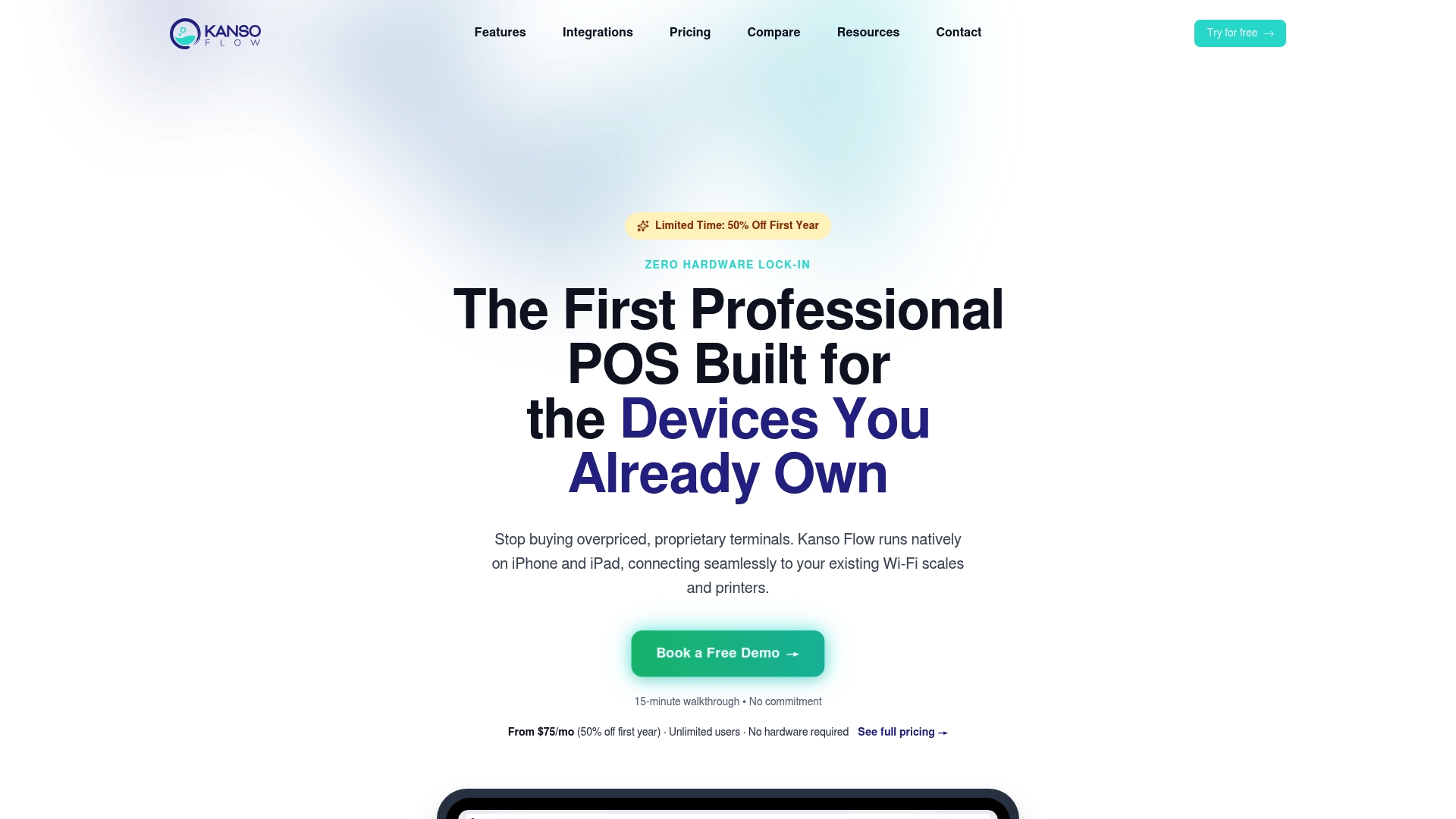
It runs natively on iOS, pairs directly with your Bluetooth scale and Star Micronics printer, and gives every attendant a live Kanban view of every order on the floor. No paper tickets. No end-of-day reconciliation guesswork. No proprietary hardware to procure.
Key features for operators replacing Curbside Laundries:
- Visual Kanban workflow — track every order through Wash, Fold, Dry Cleaning, and Ready stages in real time
- Photo intake at the counter — document garment condition on arrival and eliminate lost-item disputes
- Bluetooth scale and Star Micronics printer support — works with hardware you may already own
- Per-device PIN security — set up a new staff member in minutes; lock or switch users in seconds
See the full feature set and request a demo at kansoflow.com/features. Bring your hardware to the demo and test a real order end to end before you decide.
Useful sources for operators evaluating laundry POS options
Pricing, hardware compatibility, and feature sets change. Verify current specs directly on vendor pages before making a final decision.
- Best Curbside Laundries Alternatives 2026 — Capterra
- Top Curbside Laundries Alternatives — GetApp
- Laundromat POS System: How to Choose — Real Clean Group
- What is the best tech stack for a laundromat or dry cleaning business — Pulse Rev Ops
- Cashless Laundromat: 2026 Conversion Guide + ROI Tips — The Unity Washer
- From Coins to Cards: Laundromat Upgrade Installation Checklist — LaundroWorks
- POV: The Truth About Card Systems in the Modern Laundromat — Standard Change-Makers
- Kanso Flow features and hardware compatibility — kansoflow.com
Note on pricing and specs: Published pricing ranges and hardware compatibility lists are accurate as of the research date but change frequently. Always confirm current figures and supported hardware models directly with each vendor before signing a contract.